


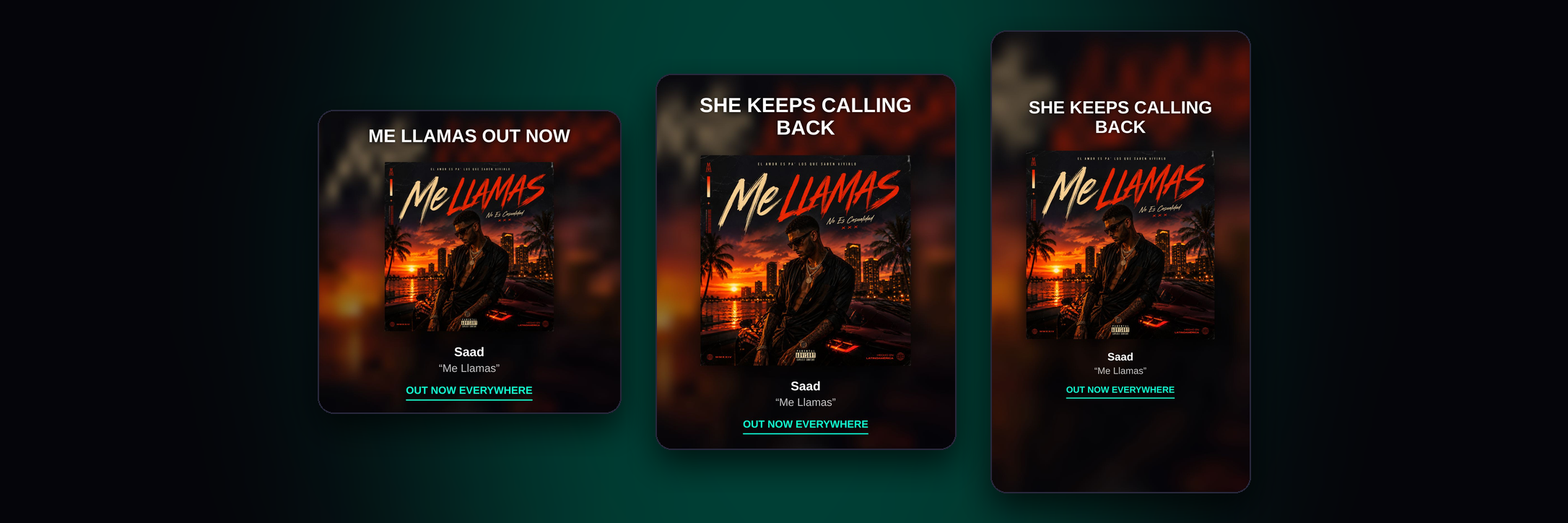
Describe your vision and hit Generate.
You'll get two unique versions to choose from.


Fill in your project details and hit Generate — your custom release plan will be ready in seconds.
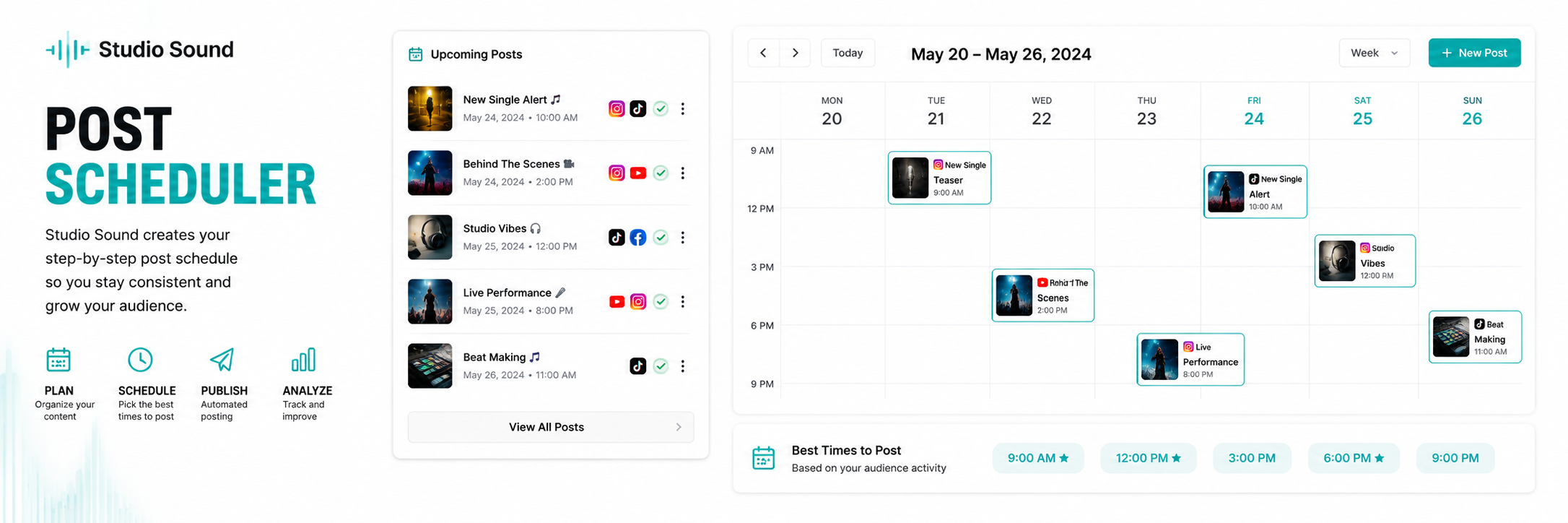

Upload your art and describe your vision — your real mockup will be generated instantly.


Upload artwork to see the DSP-ready preview.
Fill the form and hit Format — clean metadata plus warnings for anything distributors would reject.
Upload your mix, pick a sound and hit Master. You'll hear your whole song before and after, starting at the loudest part.
1. Spotify for Artists → Music → your song: the numbers at the top (streams, listeners, saves, playlist adds)
2. Same song page → Source of streams (how people found it)
3. Spotify for Artists → Audience → Location (top countries and cities)
4. Distribution Dashboard → Tracks → search your song, pick 1m (scroll right or zoom out so TikTok, YouTube and Shazam fit in the shot)
5. The same row with 3m picked, so we can tell if it's growing or fading
Extra: Audience → Segments, Apple Music for Artists, TikTok analytics.
Tip: use the same time period every time (28 days on Spotify, 1m on Stop One) so the weekly comparison is fair.
Upload your royalty report and hit Forecast — projections and your analyst report appear here.
Describe your song and hit Write — structured lyrics with verses and hooks appear here.
Loading your assets...
Loading…
Loading…

